参考:
https://stackoom.com/question/3ZZRu/Visual-Studio%E4%BB%A3%E7%A0%81-Ctrl-Backspace%E5%9C%A8Integrated-Terminal%E4%B8%AD%E4%B8%8D%E8%B5%B7%E4%BD%9C%E7%94%A8
https://github.com/PowerShell/PowerShell/issues/11751
在 powershell 中运行 $PROFILE
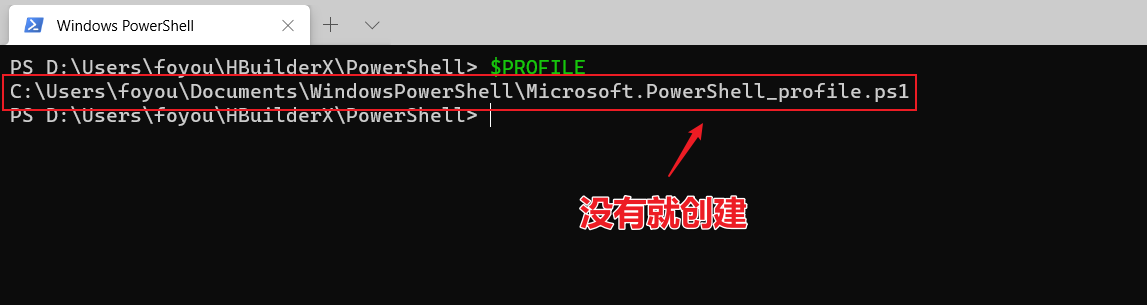
在 C:\Users\foyou\Documents\WindowsPowerShell\Microsoft.PowerShell_profile.ps1 添加如下代码
1
| Set-PSReadLineOption -EditMode Emacs
|
获取干脆一点, 运行下面代码
1
| echo.exe -e '\nSet-PSReadLineOption -EditMode Emacs\n' >> $PROFILE
|