Tomcat部署
startup.bat 运行, 默认 localhost:8080
添加虚拟目录
直接在 webapps中添加
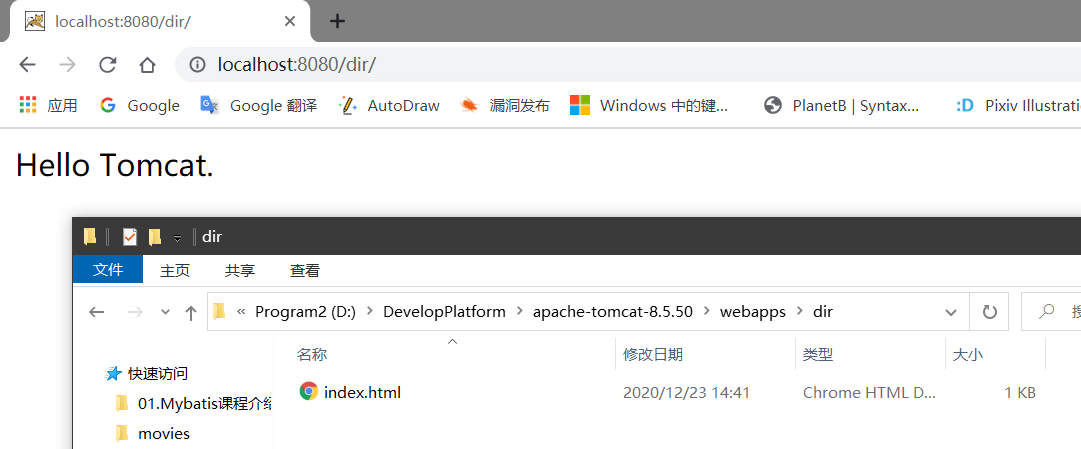
直接将 *.war 文件丢到 webapps 目录
open.war->localhost:8080/open修改 conf/server.xml, 需要重启
1
2
3
4
5
6
7
8
9
10
11
12
13
14
15
16
17
18
19<Host name="localhost" appBase="webapps"
unpackWARs="true" autoDeploy="true">
<!-- SingleSignOn valve, share authentication between web applications
Documentation at: /docs/config/valve.html -->
<!--
<Valve className="org.apache.catalina.authenticator.SingleSignOn" />
-->
<!-- Access log processes all example.
Documentation at: /docs/config/valve.html
Note: The pattern used is equivalent to using pattern="common" -->
<Valve className="org.apache.catalina.valves.AccessLogValve" directory="logs"
prefix="localhost_access_log" suffix=".txt"
pattern="%h %l %u %t "%r" %s %b" />
<!-- 这里, 需要重启 tomcat -->
<Context docBase="D:/dir" path="dir"/>
</Host>conf\Catalina\localhost目录下创建 任务名称 xml 文件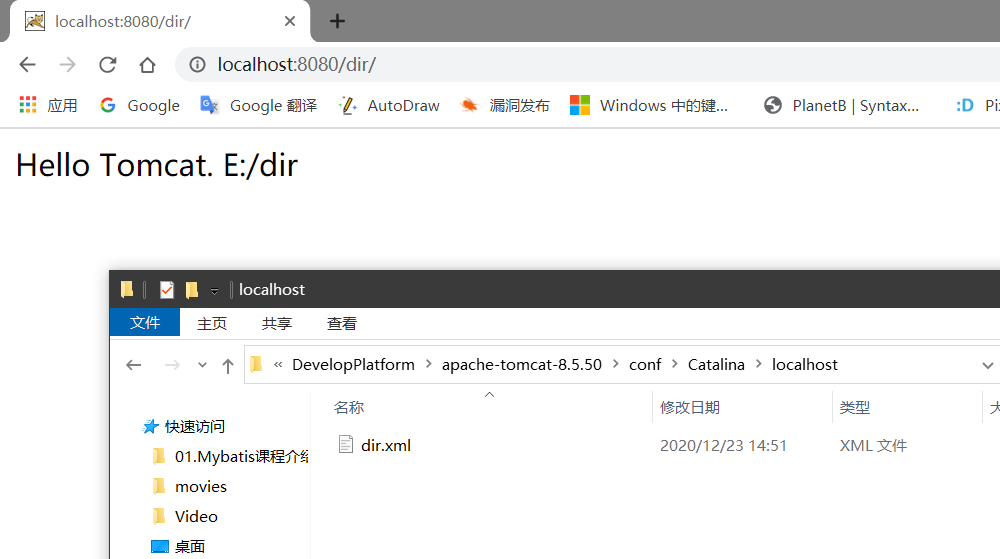
优先级关系
serverx.xml > conf/Cataina/localhost/xxx.xml > webapps
添加域名指向
localhost -> webapps
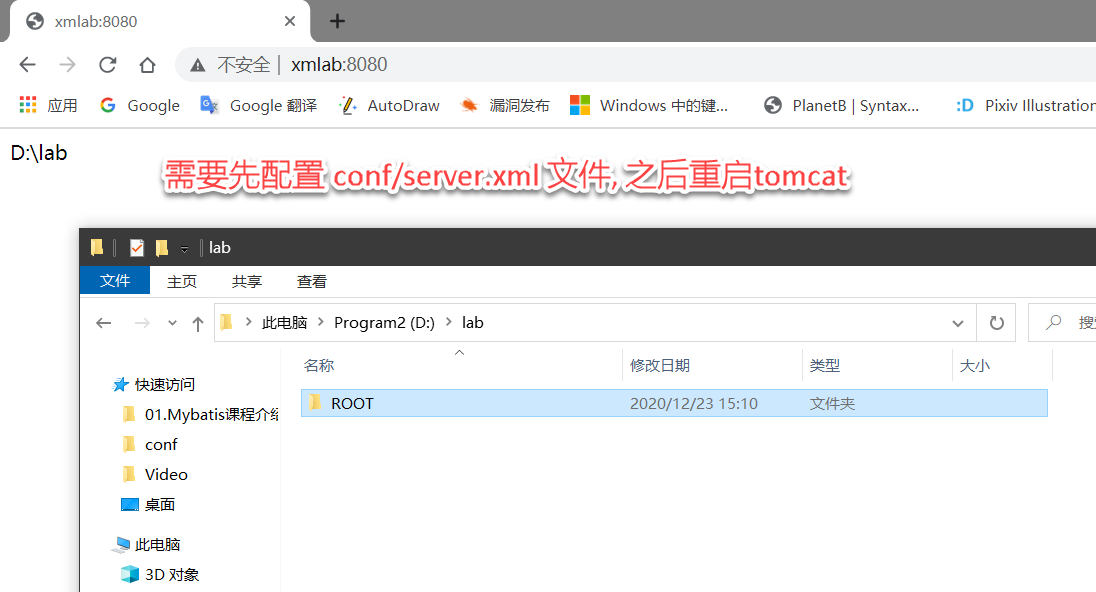
xmlab -> D:\lab
修改 conf/server.xml, 需要重启
1 | <Host name="xmlab" appBase="D:/lab" unpackWARs="true" autoDeploy="true"></Host> |
添加端口指向
8080 -> webapps
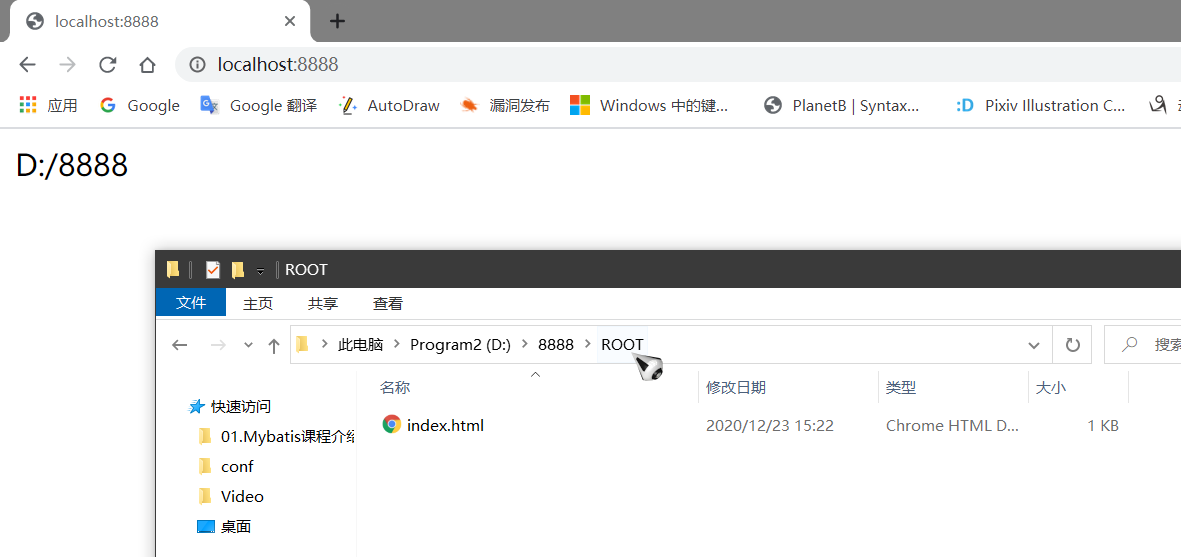
8888 -> D:\8888
同样是修改 conf/server.xml
1 | <Service name="8888"> |